MovieBox APK

Download Official MovieBox With latest version to Enjoy HollyWood, BollyWood and Punjabi Movies at one Platform with free of cost. Thanks!
 Tap To Download
Download MovieBlast
Security Verified
McAfee
F-Secure
Adblock
Introduction Of MoviBox
People watch movies and dramas on the MovieBox app. Most users download MoviBox to their mobile phones. This lets them watch a wide range of movies and dramas on MoviBox.Before downloading MovieBox, users should understand how the app works. Different versions of the MovieBox APK offer different features. Not all are suitable for every mobile device. Therefore, users should verify whether the version they aim to use is real and safe. Justify that it is legally permitted in their country. The MovieBox app explains everything in simple terms. providing information on its features and benefits. as well as potential risks associated with installation. It indicates device compatibility. Specifying which phones support the app and which do not. Movibox offers insights into common issues and its availability in Asian countries.
What Is MoviBox APK?
Users can watch movies and TV dramas on MovieBox. The platform features distinct categories for movies and dramas. Users can search for a specific movie using the search bar, Users can easily view details about the film. They can also watch the video. The primary objective of MovieBox is to provide a comprehensive platform. Where users can access everything in one place. The content includes various types, such as action and comedy. Simply relying on the name MovieBox is not enough. The features offered may not always be genuine. Other parties sometimes release versions that could be risky to use. Therefore, before installing MovieBox. Users should confirm the developer. Check the permissions the app requests. Confirm that the movies come from authentic and reliable sources. These steps will help users avoid installing a fake or harmful app.

How Does MoviBox Work?
Anyone can easily watch videos on MoviBox apk. Video-streaming apps are designed to be user-friendly. A user opens the app and searches for a specific movie or drama using the search bar. The content appears immediately on MovieBox. Users can see it easily without any difficulty. Some apps require the user to create an account. But most features depend on several factors. Such as the user’s location, internet connection, and subscription plan. It is important to note that not every movie or drama on MovieBox may be provided for free. Features vary across different versions. Therefore, users should gather full information about the app before installing. Avoiding from any potential issues later on.
Major Features of the MovieBox App
Many apps have been created under the name “Movie Block.” These various apps offer users a range of entertainment and services. Depending on the specific version, users can watch movies, TV shows, and other videos. Major features of MoviBox are given below.
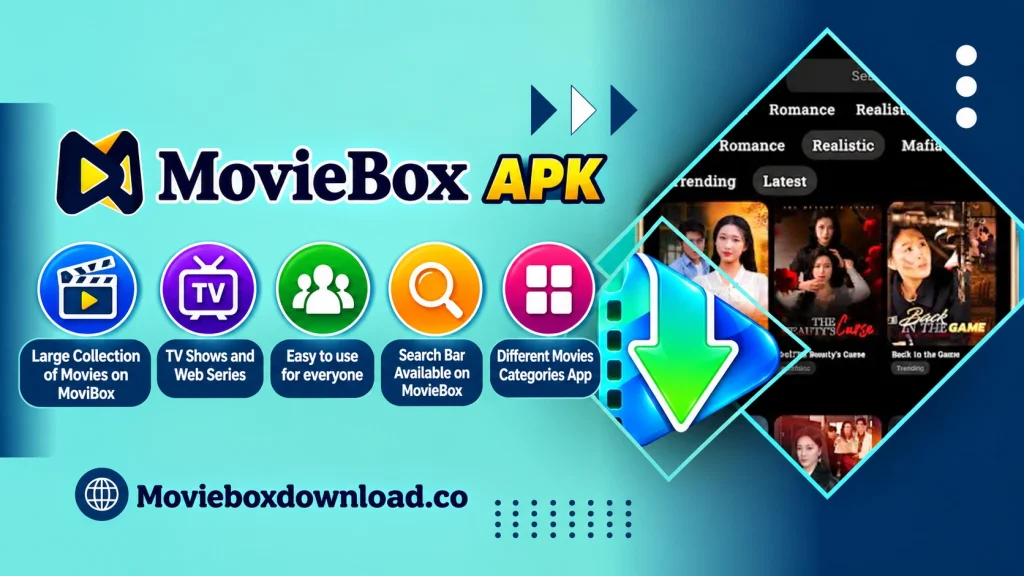
Large Collection of Movies on MoviBox
Users can access millions of movies on MoviBox. Effectively offers a vast library of films. A key convenience is that users do not need to search for each movie separately. Instead, they can view the entire collection in one place. Of course, availability depends on the user’s location. And the specific version of the app they are using.
TV Shows and Web Series
Movie Box offers users more than just movies. They can also watch various TV shows and web series. In addition to available dramas, users can search for entertainment that suits their personal preferences. This app is especially useful for those who are not content with just movies. They want to enjoy watching long-form dramas and storylines.
Easy to use for everyone
Using MovieBox is very easy. It organizes movies and dramas into separate categories for users. If a fan wants to watch a movie, they can simply go to the movie category and search for it. Similarly, if they want to watch a drama, they can search within the drama category. This makes MovieBox extremely user-friendly, even for newcomers.
Search Bar Available on MovieBox
MovieBox features a search bar that saves users a significant amount of time. If a user wishes to find a specific movie. They can simply enter its title into the search bar to find it. This allows users to find the desired content instantly without wasting time. But the search functionality varies by country. So the experience depends on the user’s location.
Different Movies Categories App
MovieBox Download organizes its content into distinct categories. Users can find content that matches their current mood. These categories include Action & Adventure, Comedy, Romance, Horror, Drama, and Animation. All of which are readily available to suit the user’s preferences.
HD Video Quality available on MoviBox
The box also offers its users high-definition (HD) video content. The viewing experience is significantly better than standard video. This feature is not available for every film. It also depends on the internet speed available in your area.
Subtitle Support on MoviBox
If a user is watching a movie on MoviBox but does not understand the language. They can use the “Support subtitles” feature to switch the present to their own language. They may add Urdu subtitles to an English movie. It is important to note that this feature is not available for every movie.
Mobile Friendly Viewing App
The MovieBox app is designed specifically for mobile phones. Allowing users to easily run it on their mobile devices or tablets. Before installing, users should verify whether their mobile’s version supports the app.
Regular updates are available for MovieBox
Like other apps, Movie Box apk offers updates to its users. Updating makes the app run significantly faster and resolves existing issues. Users should ensure they update the app from the official Google Play Store version. Updating from other sources could expose the app to viruses.
Simple Content Detail available on MoviBox
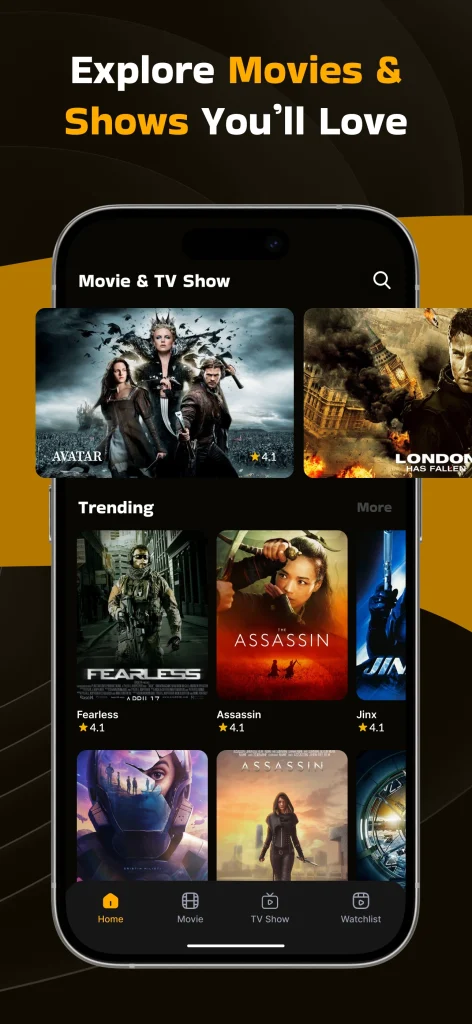
MovieBox provides fans with information about a movie before they download it. While this feature is not available in every version. it is highly beneficial in the versions where it is included. It allows users to determine whether a film suits their taste before watching it.
MovieBox Video setting
MovieBox allows users to customize their video playback experience. For instance, if the internet connection is slow. Users can lower the video quality to ensure nonstop streaming. It also includes options to adjust the volume, making the app highly convenient for users.
Benefits Of MoviBox Downloading
MovieBox is highly beneficial for its users. However, the specific advantages depend on the version being used. Overall, it is an entertainment app that offers a vast amount of content in one place. Allowing users to watch a wide variety of movies and TV shows. Its primary goal is to provide everything conveniently. Ensuring that users can quickly find the content they enjoy without any difficulty. Here are some advantages of MoviBox for downloading.
- The inclusion of a search bar makes the search process extremely easy.
- Allowing users to find all types of content in one place.
- Movibox includes entertainment material.
- The app features a user-friendly design that simplifies the process of finding movies or dramas.
- It offers distinct categories for different types of content.
- Additionally, it has the advantage of being available on all devices.
Disadvantages of downloading MoviBox
As there are benefits of MoviBox, there are also some disadvantages. Apps, may share the same name. They often have different versions. This can make it difficult for new users to distinguish between the correct and incorrect ones. Additionally, an internet connection is required to use them. Here are some disadvantages below.
- A primary drawback is that the original developer is often unknown.
- Furthermore, it carries ongoing security risks.
- The app may not be available or functional in every country.
Is MoviBox Free Available For Their Users
It is difficult to label Movie Box as entirely free definitively. Some versions are available to users at no cost, while others are paid. This depends on the specific website or app being used. Some apps are completely free. Whereas others require payment. Therefore, before downloading an app, users should consider a few key questions.
- Will there be a recurring monthly charge?
- Will payments be automatically deducted after a free trial ends?
- Does the app clearly state its terms and conditions regarding costs?
- Does it provide a clear cancellation and refund policy?
Users should also verify the legitimacy of the service and whether the content is legally available. Be wary of apps claiming to offer every new movie release for free. Such claims are often false. The apps themselves may be fake or illegitimate.
How to Download MoviBox Latest Version
Downloading MovieBox is not a particularly difficult task. But users must ensure they select the correct version for installation. This depends on the device being used. Relying on just any website can be risky. Therefore, users should follow the safety measures listed below.
- Users should download the app from a confirmed website.
- Ensure before downloading that it is compatible with their mobile phone or computer.
- A real source should be used for the download.
- Users should also check the permissions the app requests. Before the process of installation.
- After installation, the app can be opened by clicking the “Open” button.
Finally, users should take steps to secure their account. Avoid entering personal information into such apps to prevent any future issues.
Compatibility of MoviBox With Different Devices
MoviBox on Android
Whether MovieBox runs on an Android mobile device depends on the device’s operating system version. Users should always verify it from the Google Play Store. The app they are using is genuine. APK files found online are often unreliable. Users frequently assume a file is safe simply based on its name. Even though it may not be secure. It is advisable to avoid downloading files from unknown websites. Doing so could introduce a virus that might cause the mobile device to freeze completely.
MoviBox on iPhone and iPad
iPhone and Android operate on distinct systems. Consequently, apps that run on Android do not necessarily work on an iPhone.Android-specific files are incompatible with the iPhone. Users should download authentic apps exclusively from the Apple App Store. If “MovieBox” cannot be found there, users should opt for other legitimate and authorized apps. Furthermore, users should avoid websites that request personal information. Such apps are often designed to steal user data, which poses a risk to the user.
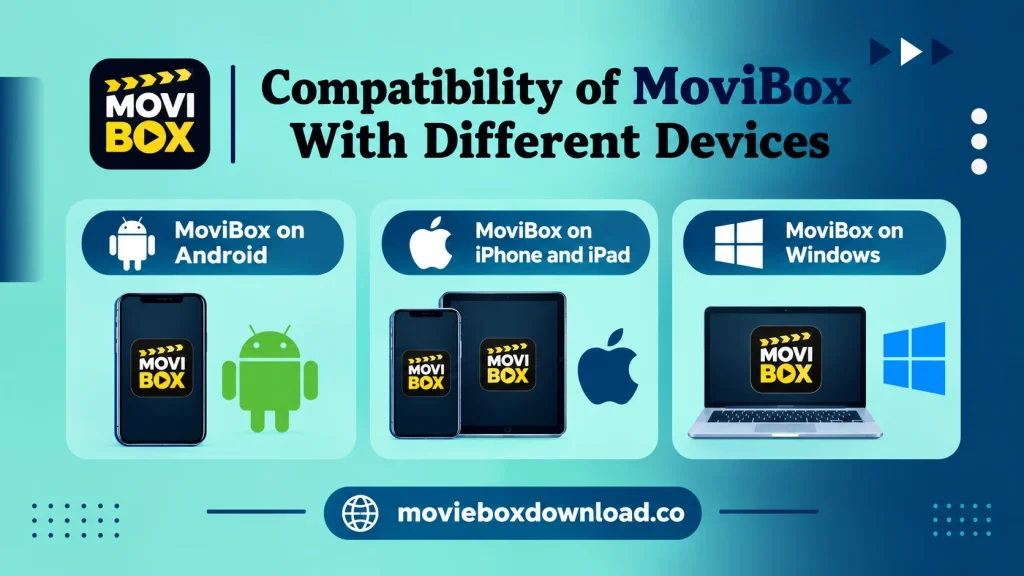
MoviBox on Windows
On Windows computers, some applications run directly within the web browser. Others have dedicated standalone apps. However, there are also apps that do not function on the computer at all. Therefore, users should always access these services through their official websites. Users should avoid downloading any executable files that request personal information. Such applications can compromise security and potentially damage the computer directly. Users are advised to exercise caution.
MoviBox on smart TVs
Smart TVs come equipped with various operating systems and app stores. Users should check the television’s official store for authorized versions of apps. If a specific source is unavailable there, one should use another licensed service. Supported by the TV, or opt for legitimate, legal apps like Netflix. However, users must exercise caution. Avoid installing unknown or untrusted apps on their TVs based on recommendations from random websites.
MoviBox on Mac
Mac users should check the source first. Check whether the provider supports Mac through an official application or website. Android APK files do not run on macOS. Users need to verify if the company offers a local Mac app or a website. Users should always follow the instructions on the official Movibox website.
Troubleshooting Guide for MoviBox App
Sometimes, a MoviBox may not function correctly. There are several reasons for this; occasionally, there might be an issue with the device itself. May be a problem with the internet connection, or some other technical fault.
MoviBox is not opening
If a box fails to open in MovieBox. The user should first close the application and then try to restart the device. The user should also verify whether the operating system meets the device’s requirements. And check for any pending updates. Furthermore, system settings offer options to clear data on Android. However, the user must exercise great care. This process could delete the saved settings or account information. Potentially cause issues later on.
MovieBox is Not Loading
If MovieBox isn’t working. The user should first check their internet connection to see if it is active. This can be verified by opening another reliable website. If it loads, the connection is fine. In that case, the user should resolve the connectivity problem. Such as by reconnecting or restarting the device’s connection, which often fixes the issue. If the internet is working normally. The problem might lie with the streaming service itself. Usually, the service resolves itself after some time.
Video Keep Buffering in MoviBox
Buffering issues typically arise when the internet connection is slow. When data is totally failing to reach the video player. A simple solution is for the user to move their device closer to the Wi-Fi connection. If any other device is connected, it should be disconnected. Another effective measure is to lower the video quality. For instance, switching from 1080p to 780p. This should allow the video to start playing smoothly without further interruptions.
MoviBox Shows a Network Error
Firstly, the user should check the internet connection of the device. Next, they should verify the date and time settings on their mobile device. If these are wrong, the user should adjust them. Following this, the user should close the app and reopen it. If the issue remains even after taking these steps. The user should visit the official website for further guidance. However, it is important that the user does not disable their mobile device’s security settings to resolve this issue. Nor should they install any unreliable or malicious apps. That could cause problems for both the device and the user.
MoviBox is Not Installing
If MovieBox is not installing on a user’s mobile device. The user should check three specific things.
- Verify whether the device’s storage is full.
- Consider whether the Android version might be too outdated.
- Third, check the file that was downloaded. Ensure it came from a reliable source and is not corrupted.
If the user’s device does not meet these requirements. Do not attempt to force the installation using other methods.
MoviBox is Not Updating
Users should always update an app from the official Google Play Store page. From which it was originally downloaded. Updating from random websites can be risky. Especially if the user has disabled their mobile device’s security system.
MovieBox Keeps Crashing
Sometimes, MovieBox may shut down unexpectedly while in use. In such cases, the user should restart their mobile device. Additionally, any other running apps or content should be closed. If the app still fails to work, the user should either update it or delete it.
Advertisement Appear On MoviBox
If you encounter advertisements or similar content while using MovieBox. Other than those integrated into the app itself. users should strictly avoid clicking on them. Furthermore, try to refrain from installing any apps promoted through such ads. The immediate solution is to simply close the webpage in question. Additionally, if the user receives unwanted alerts appearing as notifications in the browser. the user should uninstall the app you recently installed. It is also advisable to run a security scan on your mobile device.
MoviBox is Unavailable in Your Country
If MovieBox is not available in your country. Attempting to force it to work will not succeed. Trying to access it using a fake ID could actually create problems for you. If you are determined to download it, please find a reliable source. As Netflix is a reliable source to download such.
MovieBox vs Other Streaming Apps
It is fair to compare MovieBox with other apps. But when downloaded from its official store, MovieBox is an excellent app. The Comparizen table is given below.
| Features | MoviBox | Licensed streaming services |
| Content Library | Depends on the version | Depends on the provider and region |
| Subscription | May be free or paid, depending on the service | Free, paid, or both options |
| Official Support | Varies by publisher | Usually available from an authentic provider. |
| Device Compatibility | Depends on the version | Listed by the provider |
| Content licensing | Must be verified | Established through legal services. |
| Security and privacy | Depends on the app’s authenticity | Can be reviewed through the real services |
One should not download an app simply because it offers a large number of movies. Instead, a user should first check whether the app is reliable. Verify whether it will function properly on their mobile device.
FAQs
MovieBox provides a platform for users to watch different movies, TV shows, and other videos for entertainment.
Some versions of MovieBox are free; others may be paid. This largely depends on the specific source from which the app is obtained.
The safety of MovieBox depends on the original app and the source from which it was created.
Some versions support HD playback.
MovieBox may fail to install if the installation file is damaged. Or the mobile internet connection is slow.
Registration is required for some MovieBox services. Certain versions may provide limited access even without an account.
MovieBox can be updated from the official app store from which the user originally installed the app. However, it cannot be updated through suspicious websites.
Conclusion
MovieBox is an entertainment app. MovieBox provides users access to various movies, TV shows, dramas, and more. It includes different features, which may vary depending on the specific version. Before using the app, users should verify information regarding MovieBox. If users face any technical issues during installation. First, check the internet connection of the device. If the problem remains, check through official channels. It is best to install the app from a reliable and trusted platform. This ensures that your mobile device and personal information remain secure. So that the user does not have to face any trouble later on.